Menu
Close

Few moments feel more stressful for a certified instructor than standing in front of a full room of students while a key piece of equipment fails. You start your demonstration, direct a student to begin chest compressions, and notice the shoulder monitor remains completely dark. Mid-class delays disrupt learning flow, create confusion around compression speed, and erode student confidence.
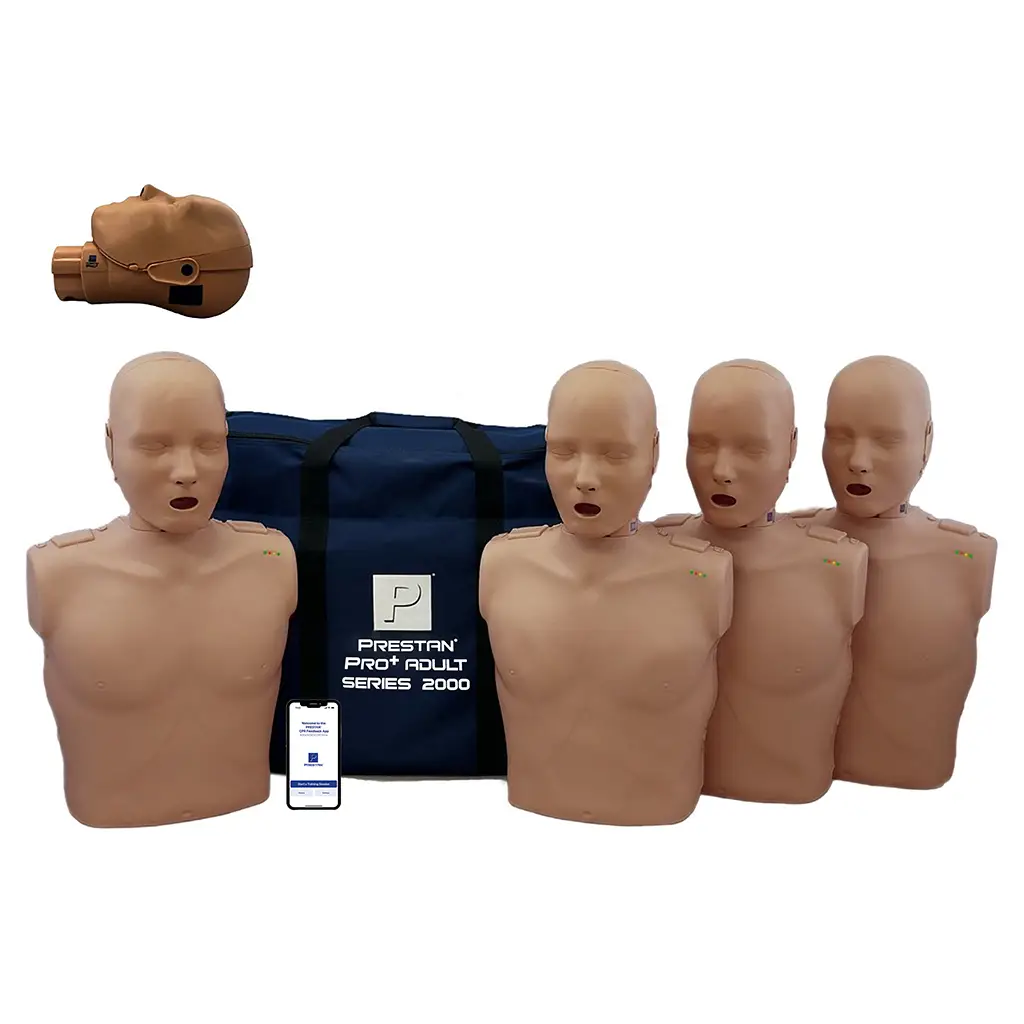
Diagnosing a Prestan CPR manikin error quickly requires understanding how the internal monitoring hardware operates. Prestan manikins rely on a mechanical clicker mechanism that measures depth alongside an optical or electronic rate sensor that translates speed into LED feedback. Knowing how to read light patterns and clear physical obstruction allows you to resolve issues in seconds without missing a beat in your lesson plan.
Prestan training equipment earns high praise across Canada for durability and intuitive feedback. However, regular handling, frequent student use, and transit between training sites cause natural wear.

Feedback monitors depend on crisp mechanical contact and steady electrical current. When a unit stops responding, the issue rarely stems from a broken circuit board.
Prestan rate monitors feature a series of colored LED indicators on the left shoulder of adult and child models, or the diaper area of infant models. Deciphering these light patterns tells you exactly what is happening inside the manikin.
When all four lights (red, yellow, green, green) turn on and stay lit without fading, your monitor is signaling low battery power. The unit retains enough energy to illuminate the board but lacks sufficient power to calculate compression rates accurately. Swap out both AA batteries behind the monitor housing to clear this condition.
A solid red light during compressions indicates a rate under 60 compressions per minute. However, a blinking red light while the torso rests is completely normal. It indicates that the system refreshed power and stands ready for compressions. If the red light blinks while compressions occur, compressions lack depth or hand position needs correction.
If compressions yield zero light activity, check whether the student pushes deep enough. The compression mechanism must reach 2 to 2.4 inches to activate the rate counter. If proper depth fails to trigger illumination, open the battery hatch, clean out debris, and insert fresh alkaline batteries.

A common issue occurs when students compress the torso, hear the mechanical clicker loud and clear, yet the LED display remains dark. This disconnect leads instructors to believe the monitor failed entirely, when a physical fix resolves the issue.
Addressing a Prestan CPR manikin not working setup usually involves checking the alignment between the depth clicker and the monitor sensor board.
Over hundreds of training hours, plastic components inside the torso rub against each other, creating fine white plastic dust. This dust collects on optical components, blocking signal transmission between the clicker and rate board.
Battery issues cause a majority of field service requests. Using low-grade zinc batteries or mixing old and new cells leads to rapid voltage drop, triggering erroneous light warnings.
Equipping yourself with original replacement parts ensures long equipment lifespan and keeps your courses fully operational. Review updated guidelines from major training bodies such as the Canadian Red Cross to stay current on CPR educational standards and equipment requirements.
Transporting manikins loose in vehicle trunks exposes plastic latches, face skins, and LED monitors to excessive vibration and impact damage. Securing equipment inside dedicated padded luggage shields internal electronic boards from shocks.
Using structured transit gear like the blue deluxe roller bag for Prestan Ultralite manikins prevents premature wear on monitors, wire leads, and frame assemblies.
A solid red light during compressions indicates that your compression rate is under 60 per minute. A blinking red light when the torso is resting indicates normal standby mode or system readiness.
Prestan CPR monitors require two standard AA alkaline batteries installed inside the monitor casing. Access the battery door by popping the monitor unit out from the shoulder or diaper well.
If fresh batteries do not power the lights, compressions may not be reaching full depth. Ensure compressions hit 2 to 2.4 inches depth straight down, and clean plastic dust out of the clicker area.
Prestan feedback monitors last for years with proper cleaning and battery removal during long storage. Replace the monitor module if physical plastic tabs snap or if fresh batteries fail to power the board.